Every wallpaper style in Minipaper
33 styles, every one of them built to be taken apart. Colour, layout, texture, wear and type are all yours to change, and stickers can go on any of them. 7 styles are free with unlimited exports; the rest come with Minipaper Pro or can be unlocked one at a time. Prism, Aurora, Tide, Vinyl export as Live Photos.
Gradients
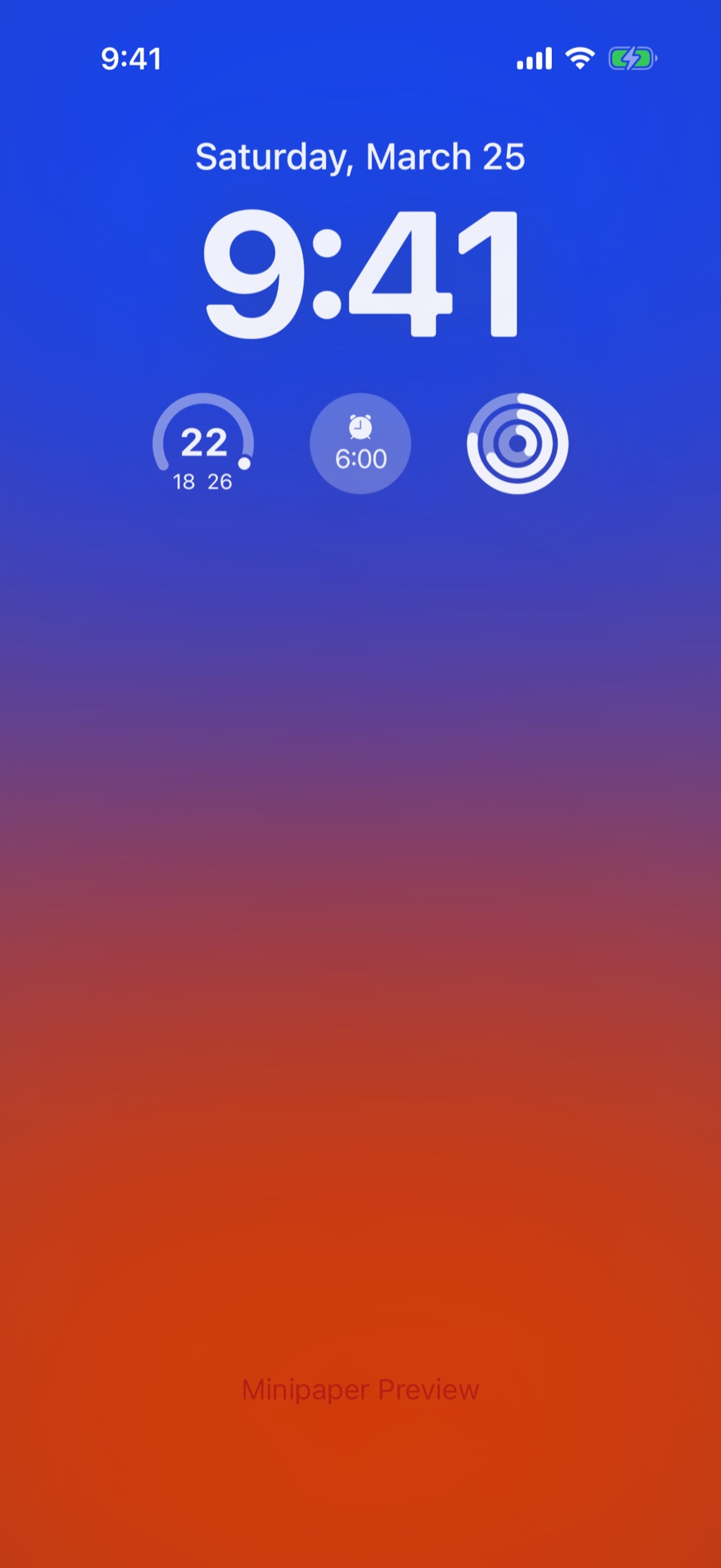
Simple Gradient
A two-colour gradient with a touch of grain. The place most people start.
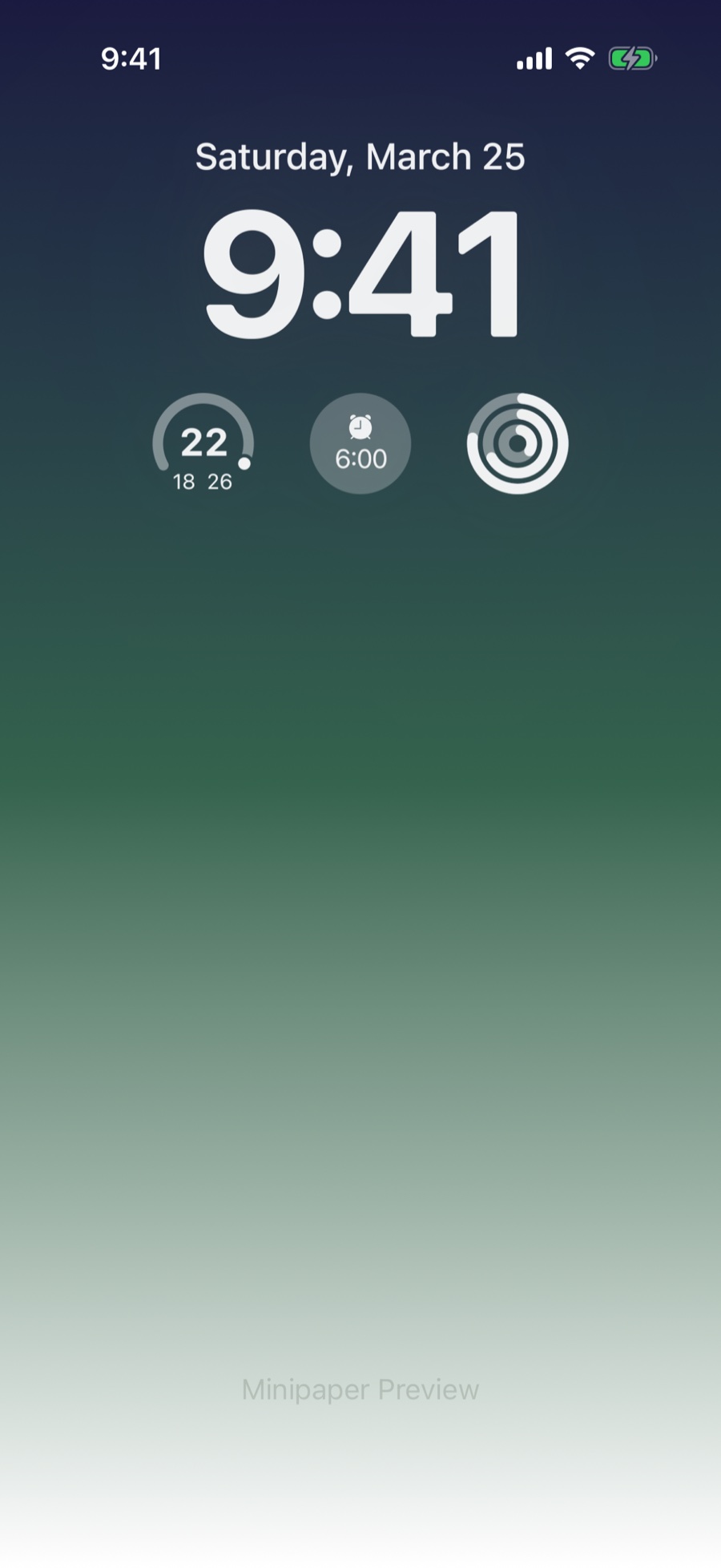
Pro Gradient
Multi-stop gradients that fade from deep colour into soft light, with grain and blend controls.
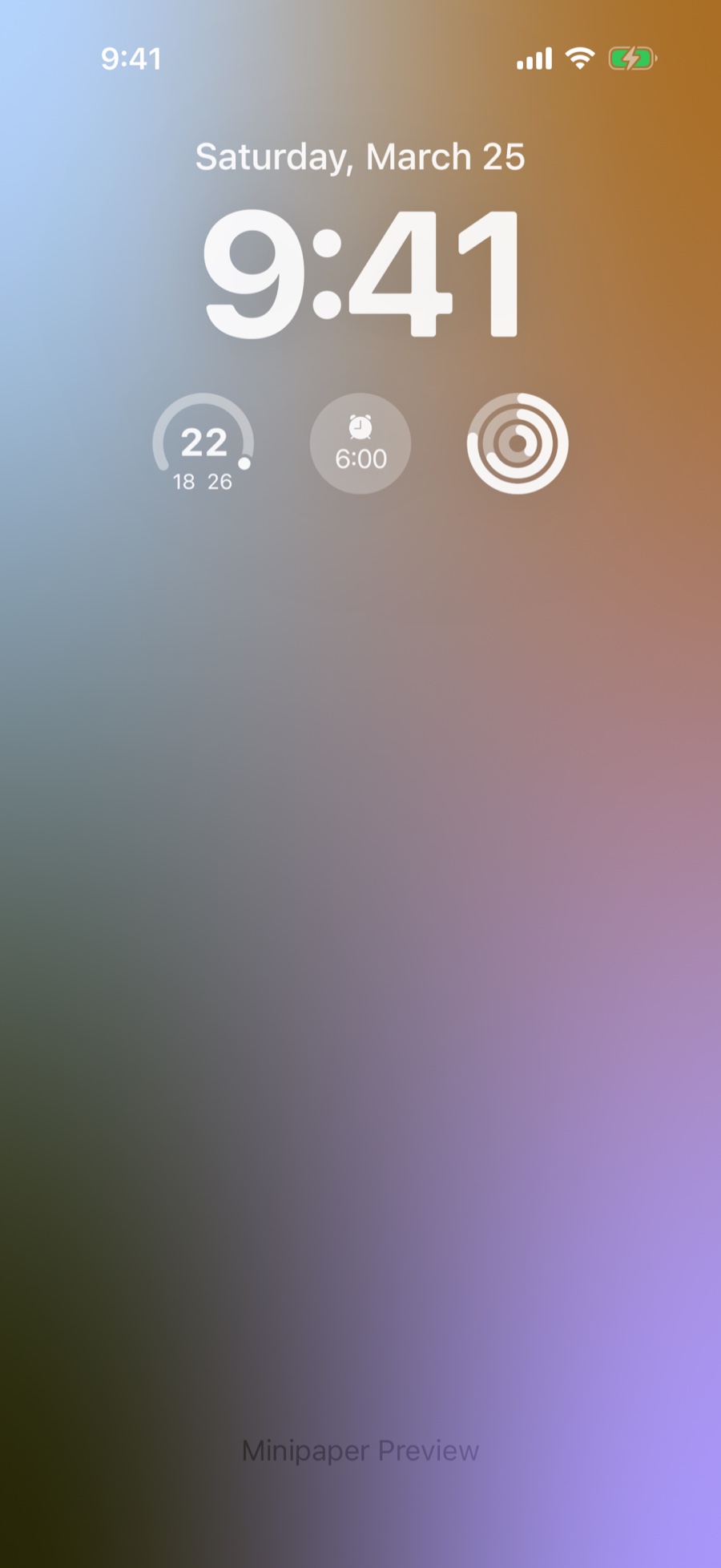
Mesh Gradient
Several colours blended across a mesh for a soft, blurred wash.
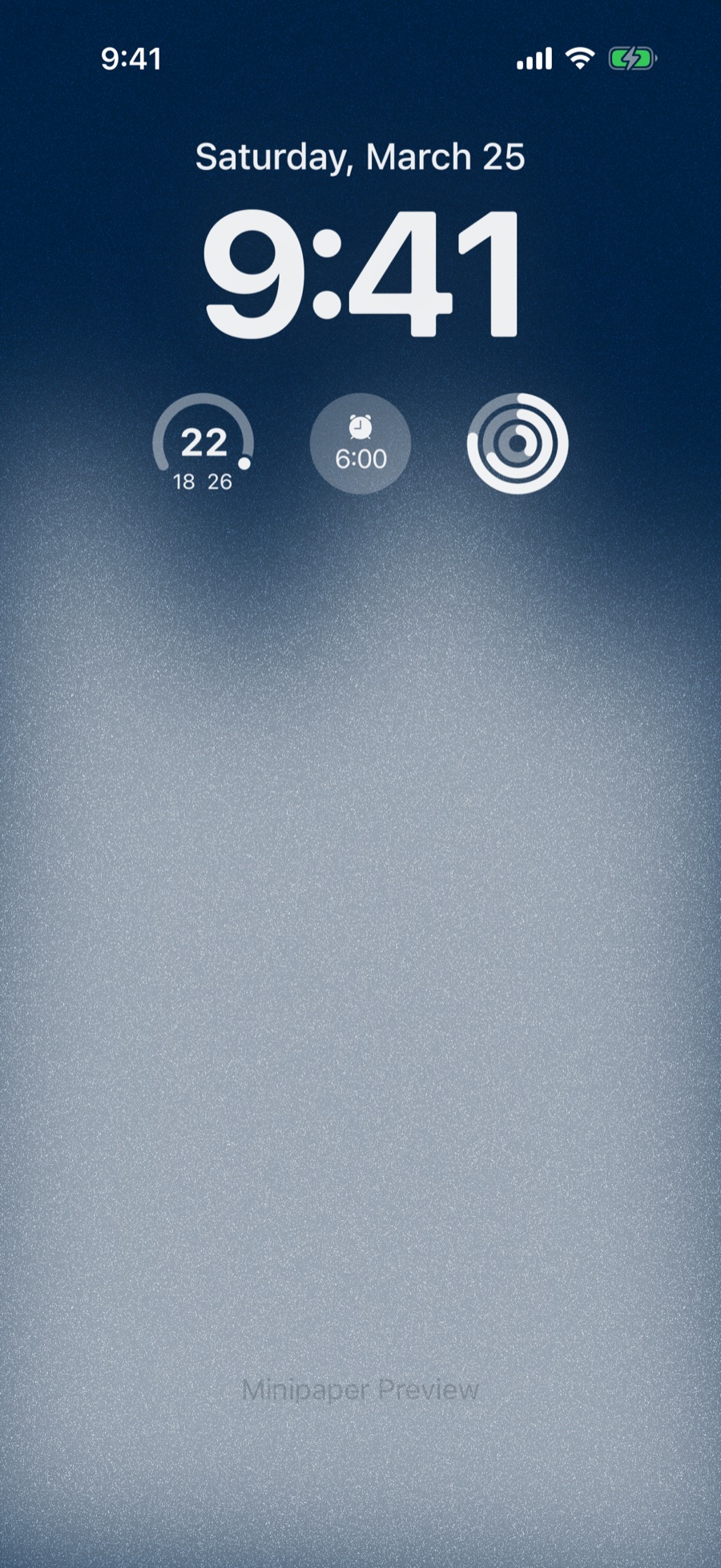
Japanese Gradient
Gradients built from traditional Japanese colour palettes.
Glass
Prism
Light bent through a solid. Choose the prism, cube, sphere, slab, capsule or ring, then choose how the colour splits across it. Exports as a Live Photo.
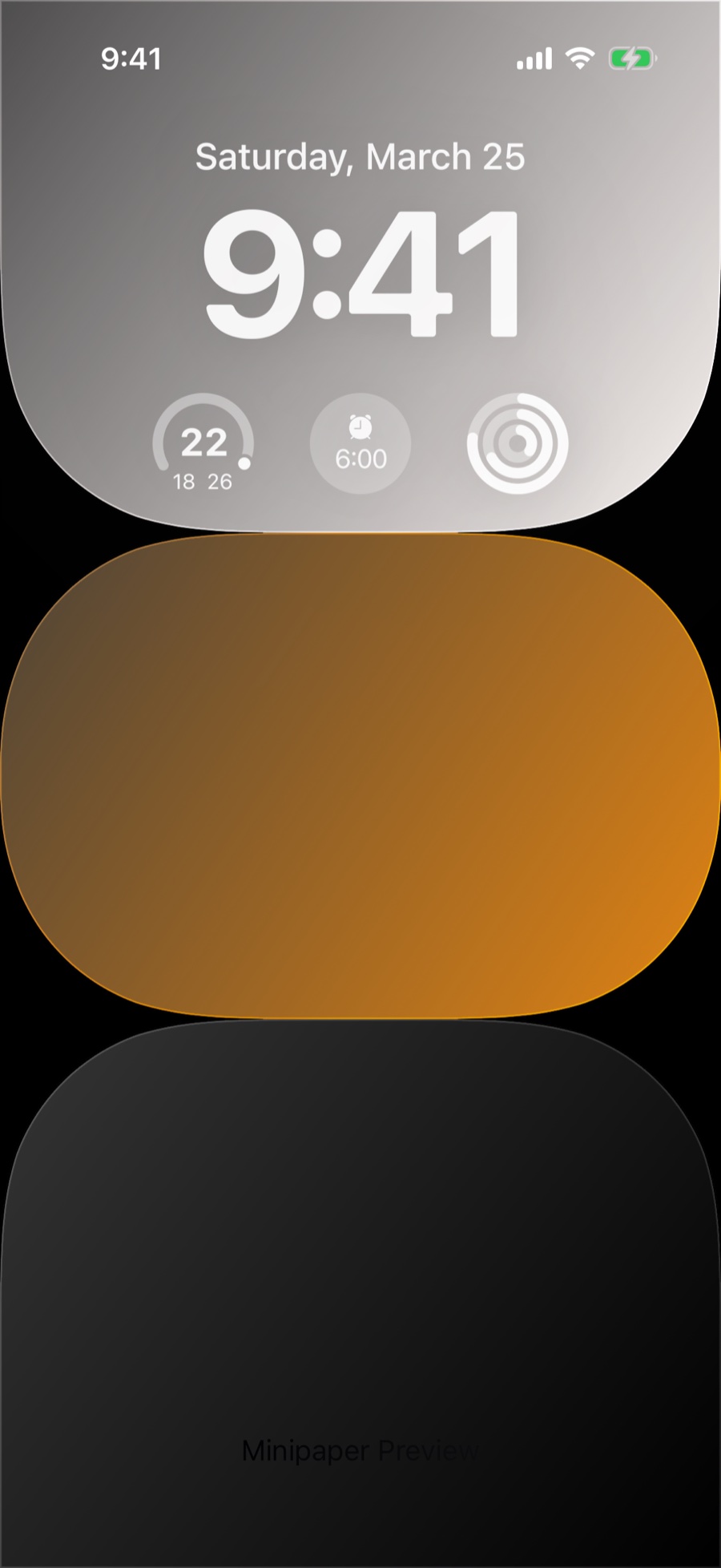
Glass Bricks
Stacked blocks of frosted glass over a photo or a flat colour.
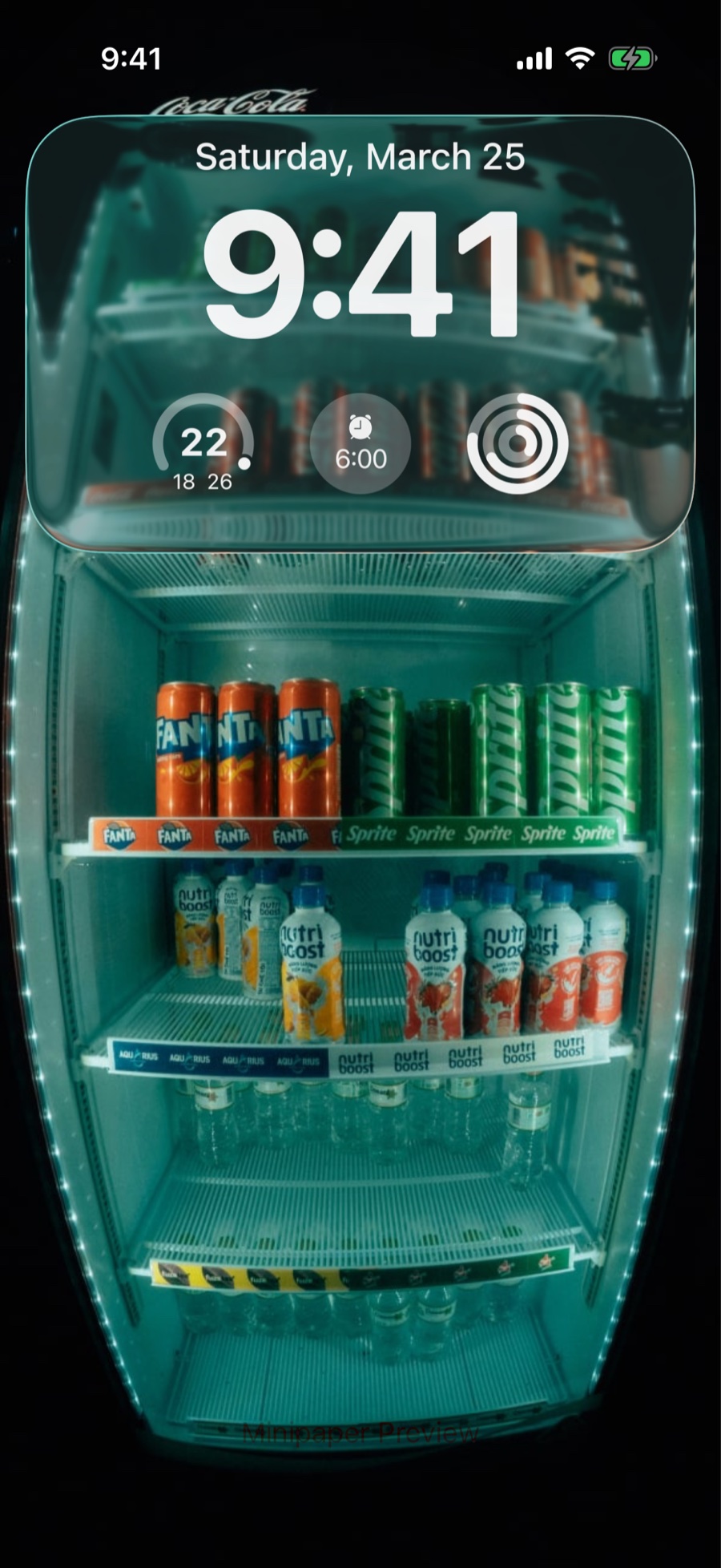
Liquid Glass
A slab of iOS 26 liquid glass refracting your photo.
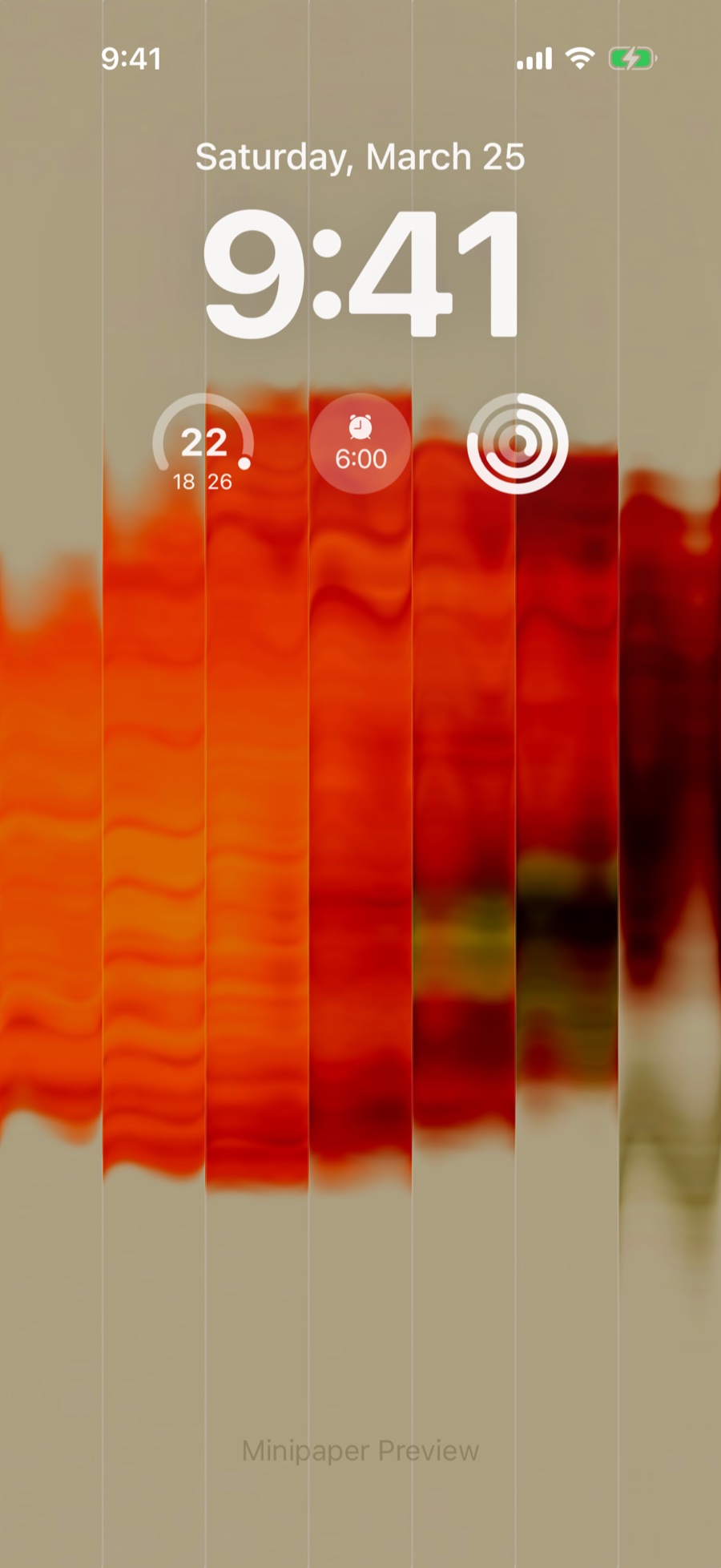
Fluted Glass
Ribbed glass that breaks your photo into soft vertical strips.
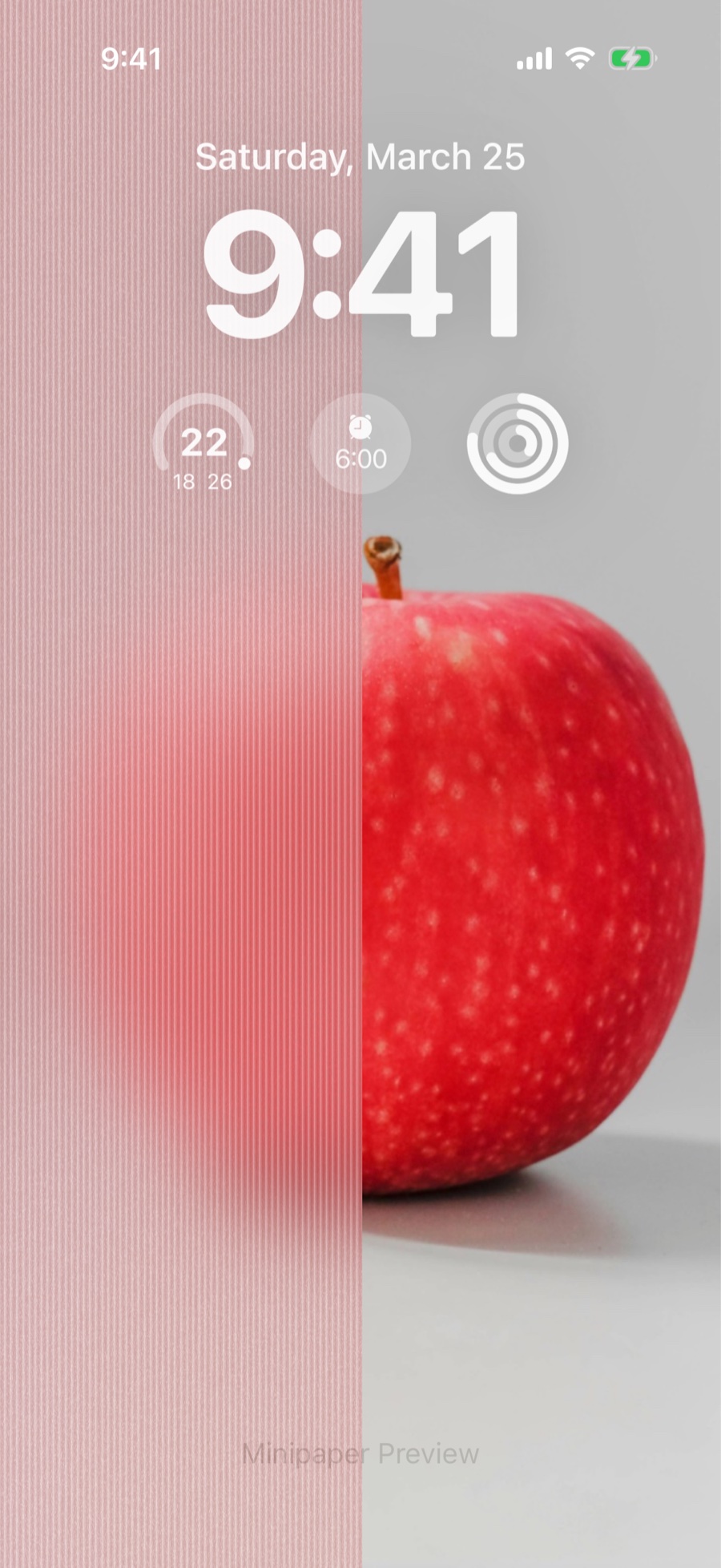
Legacy Glass
The original glass style: a frosted panel sliding over your photo.
Geometry
Polka
Dots you set the size and spacing of yourself, in macaron palettes, with a heart in place of the circle if you want one.
init
A collaboration with init.Habits: streaks, routines and a pixel grid, coloured by its 23 editor palettes.
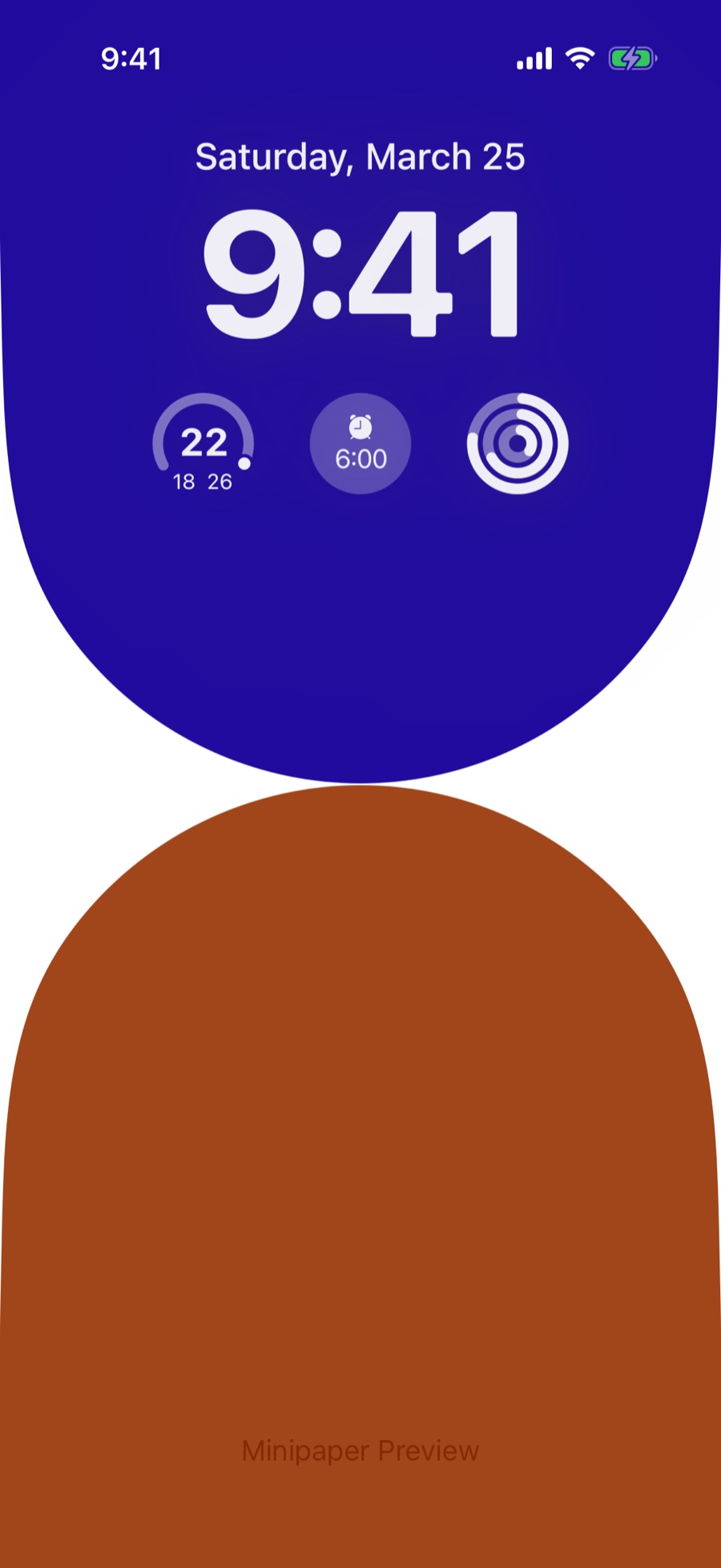
Arch
Bold arches in flat colour, stacked down the screen.
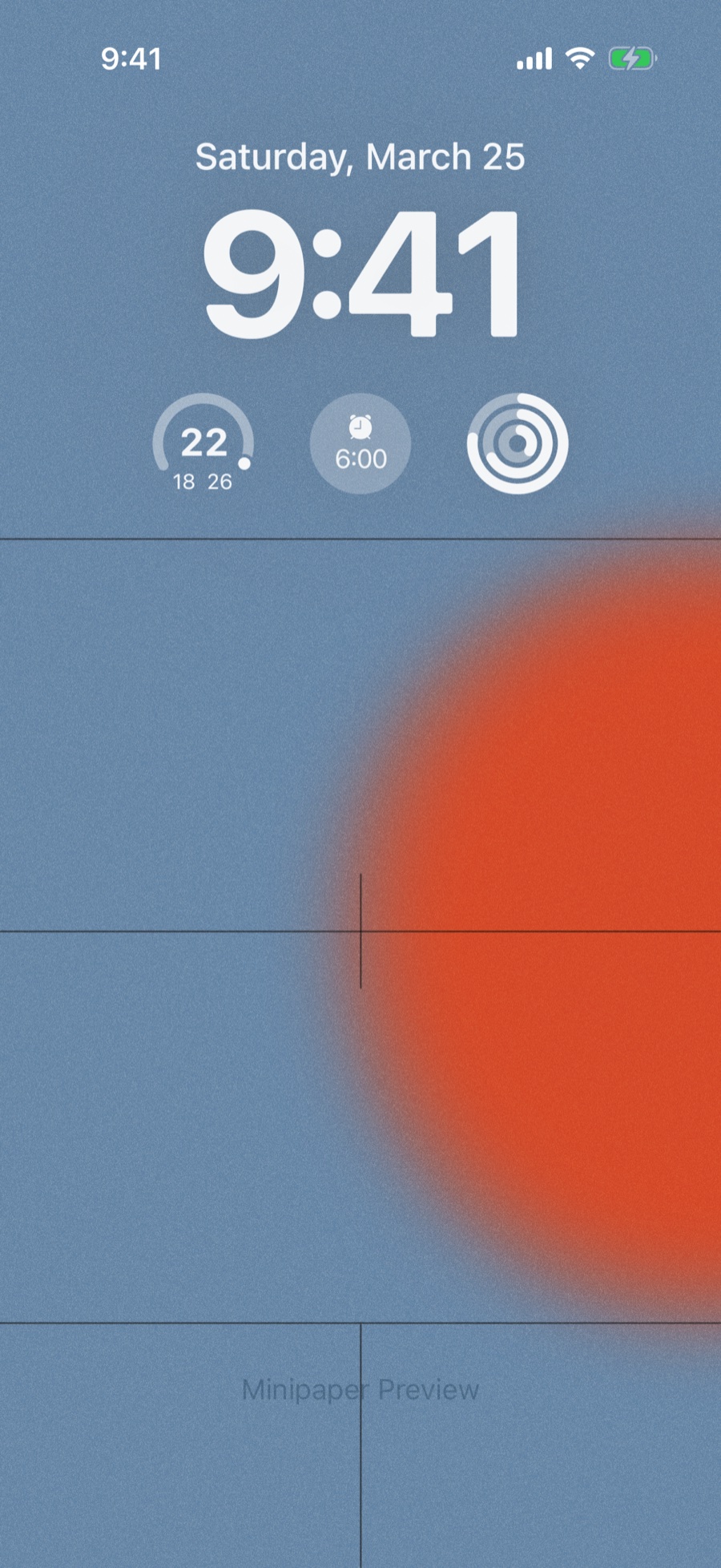
Grid
Fine grid lines over a soft bloom of colour.
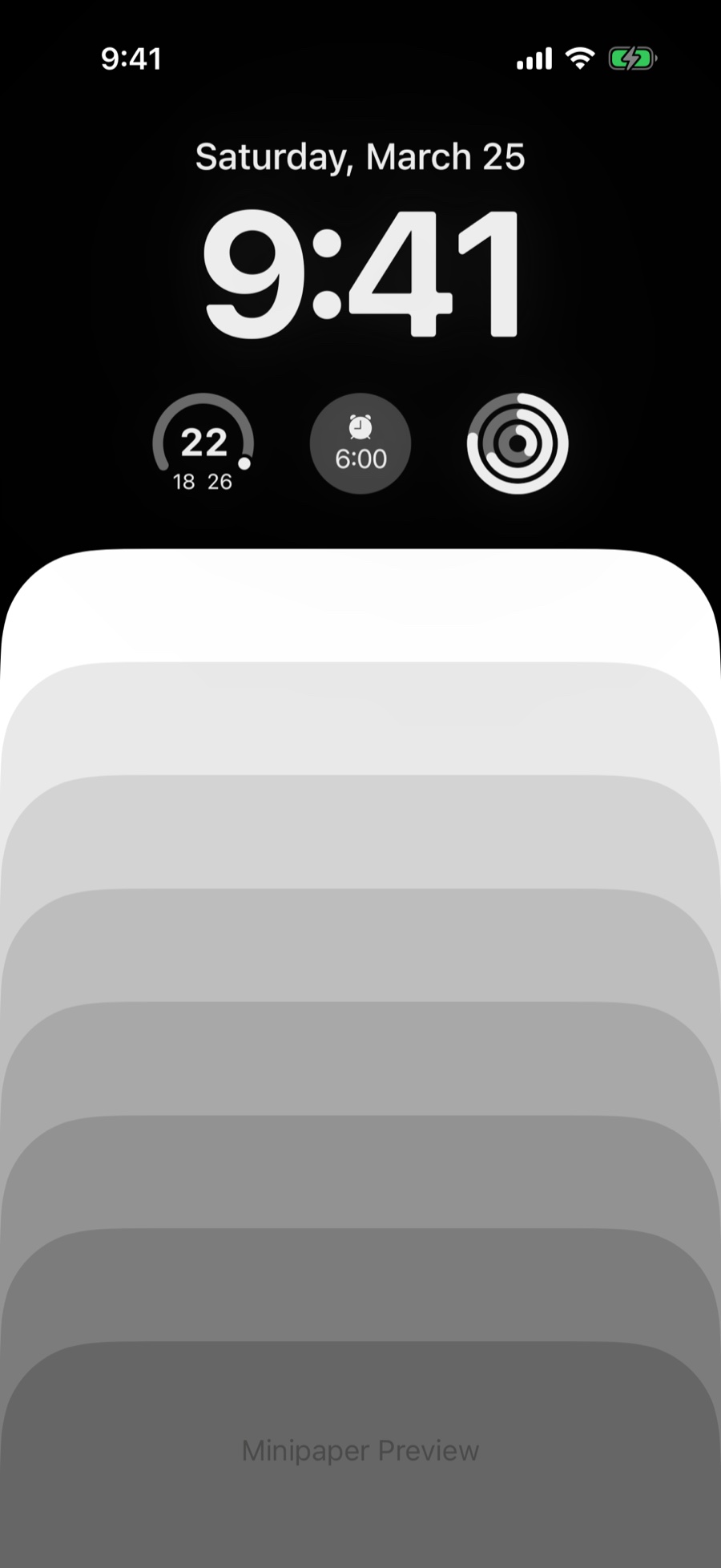
Rects
Rounded rectangles stepping down the screen in tonal shades.
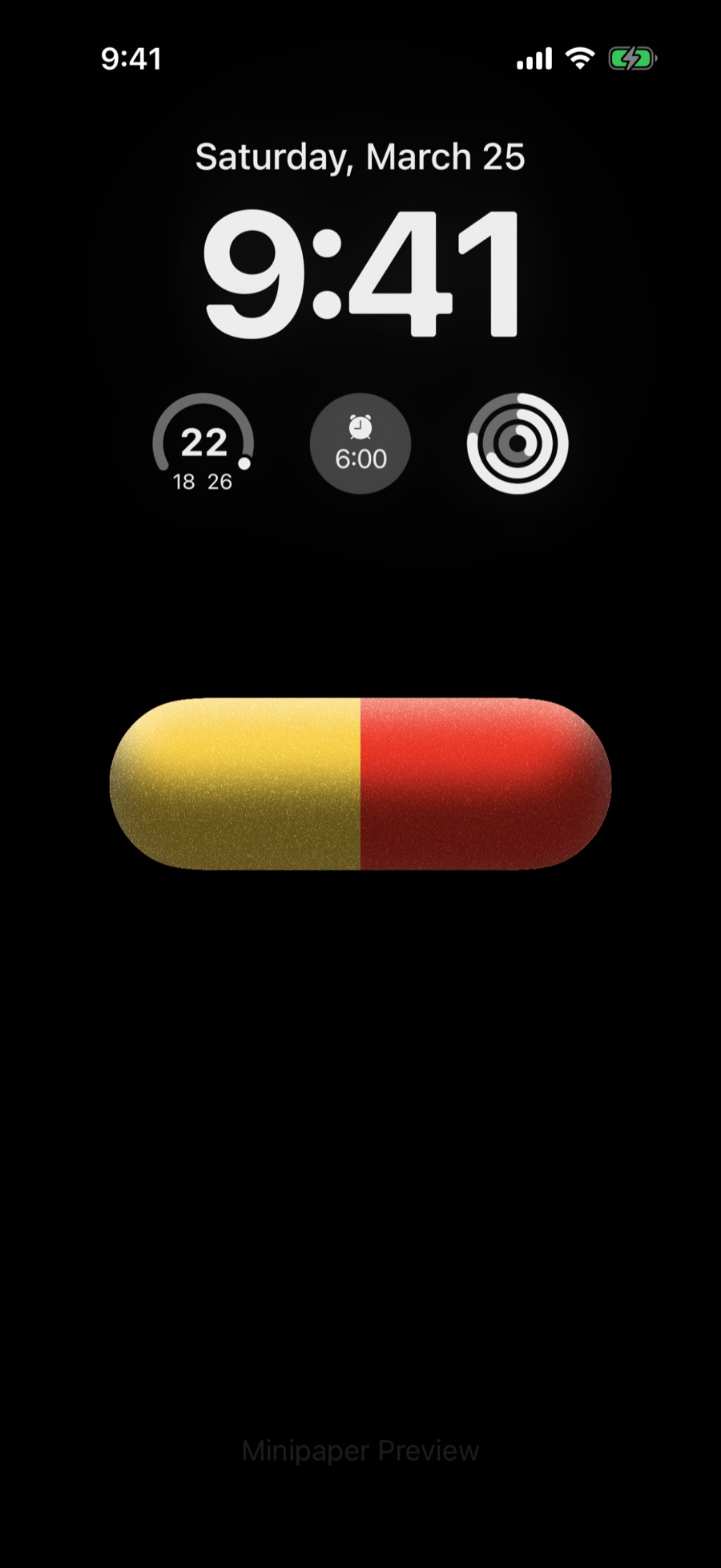
Capsules
A single two-tone capsule floating on a dark field.
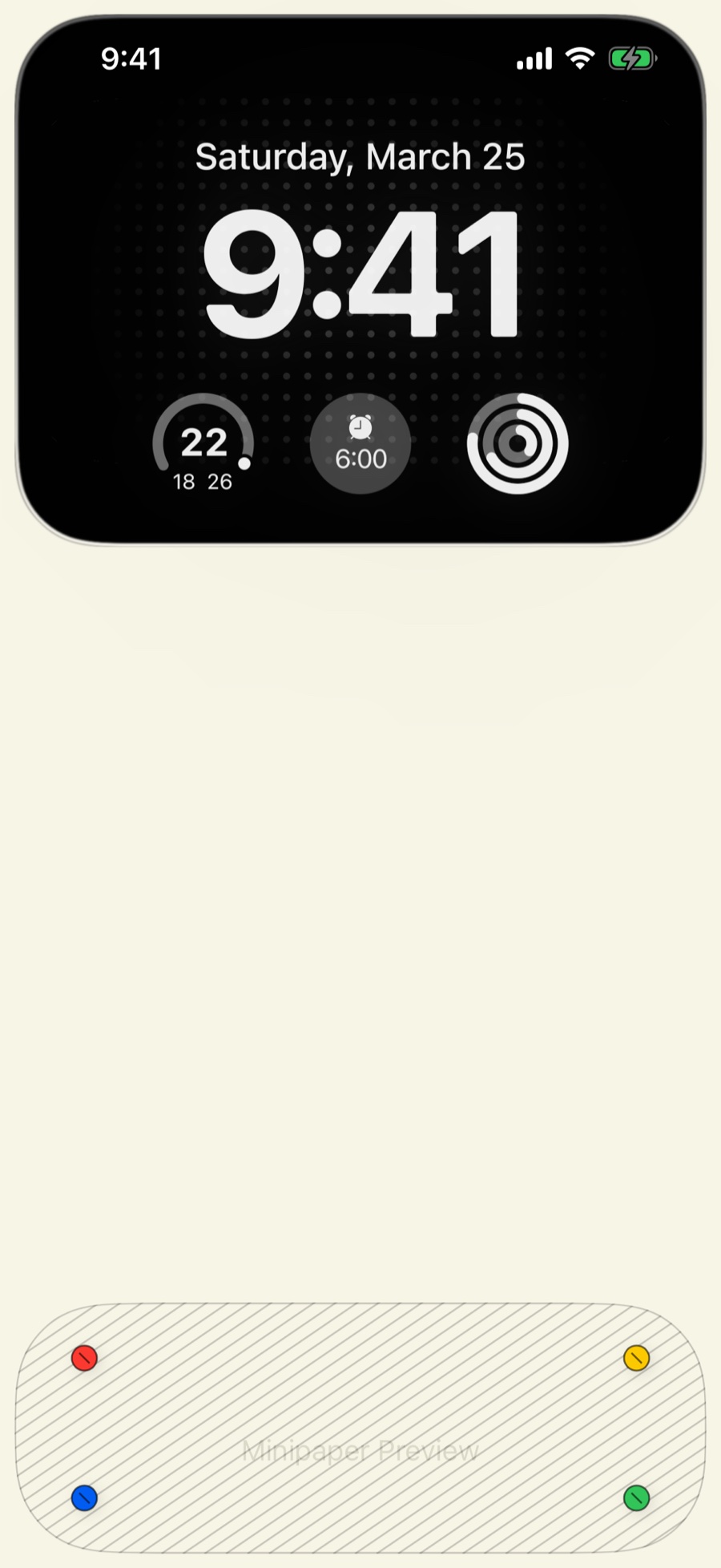
Bento
A bento-box layout: the clock in its own dark tray, colour dots in another.
Nature
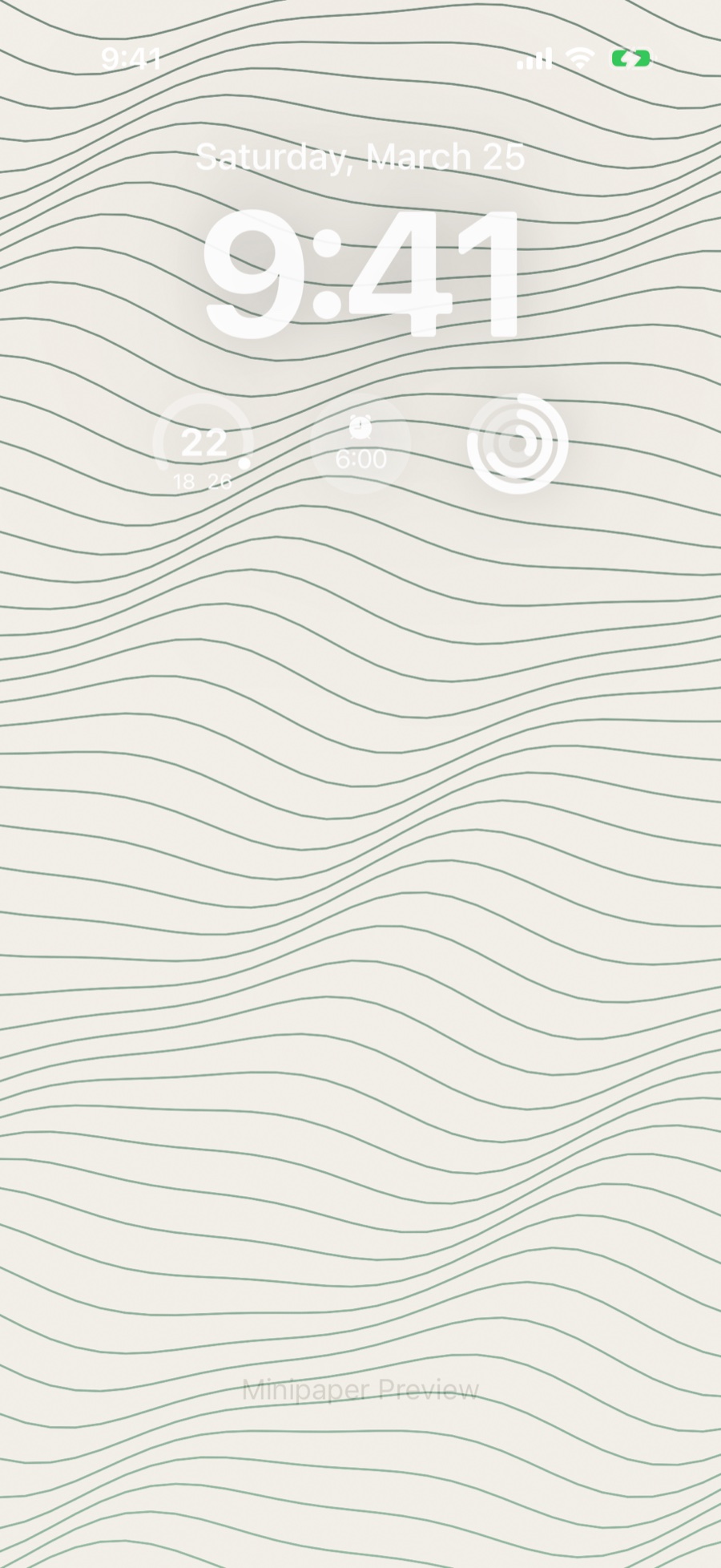
Topography
Contour lines like a topographic map, in one ink on paper.
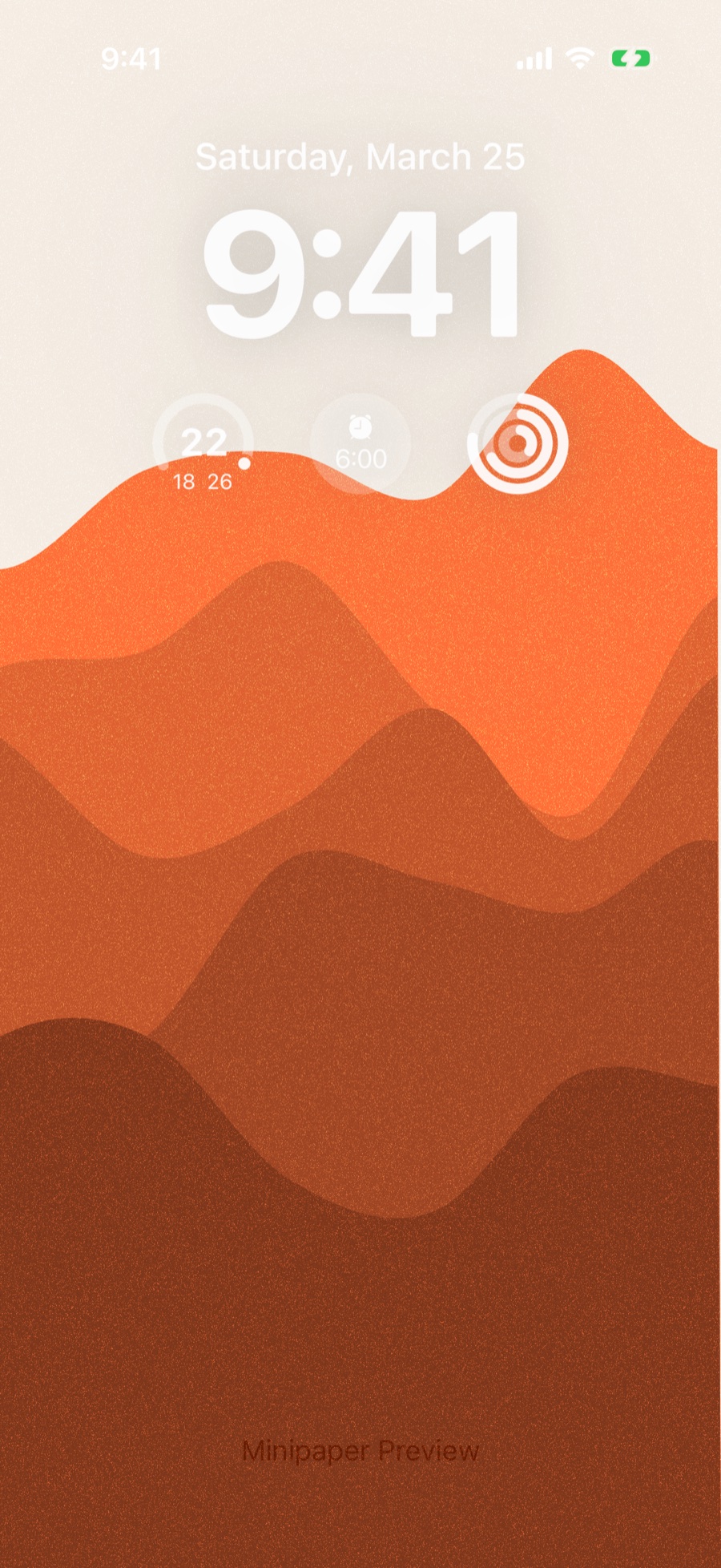
Mountains
Layered mountain ridges in flat tones.
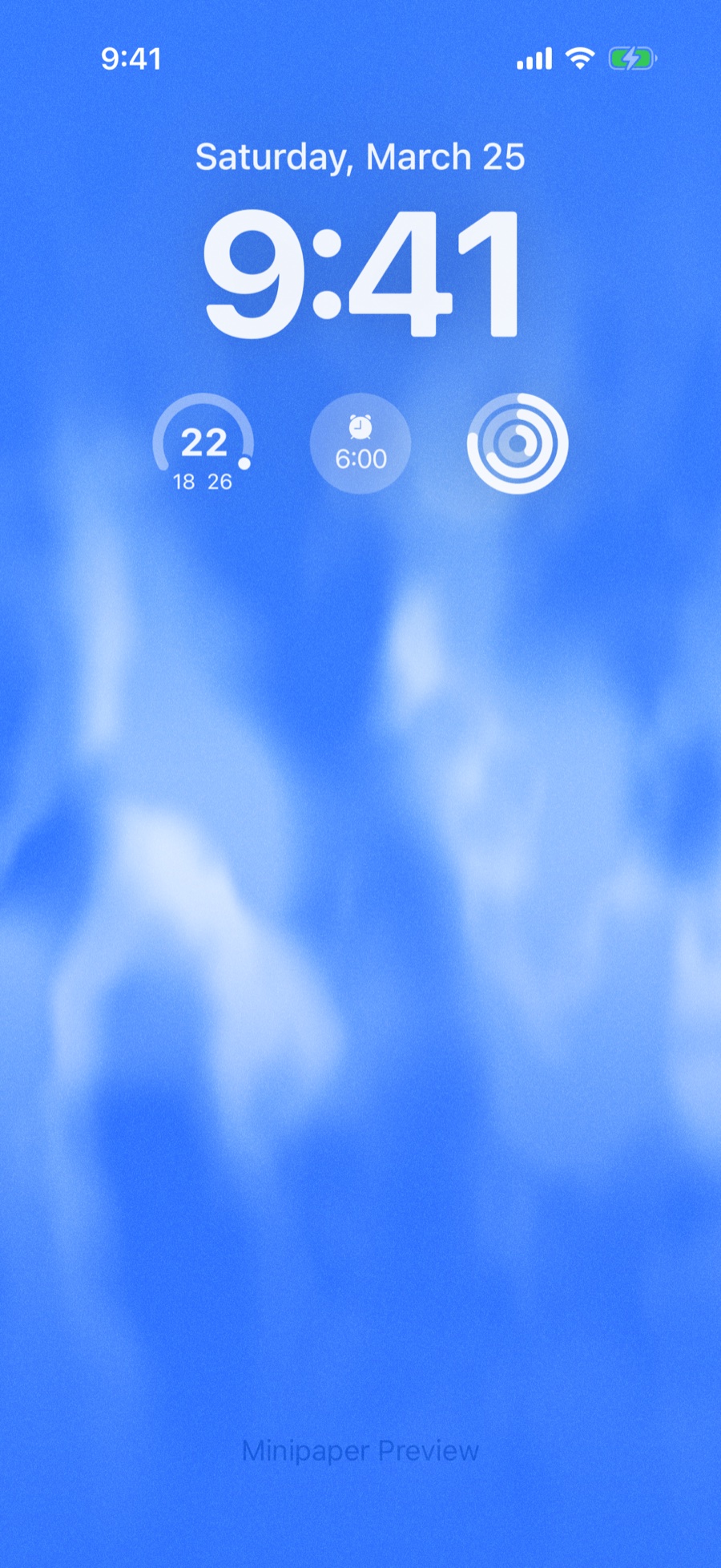
Aurora
Northern lights drifting across the screen. Exports as a Live Photo.
Tide
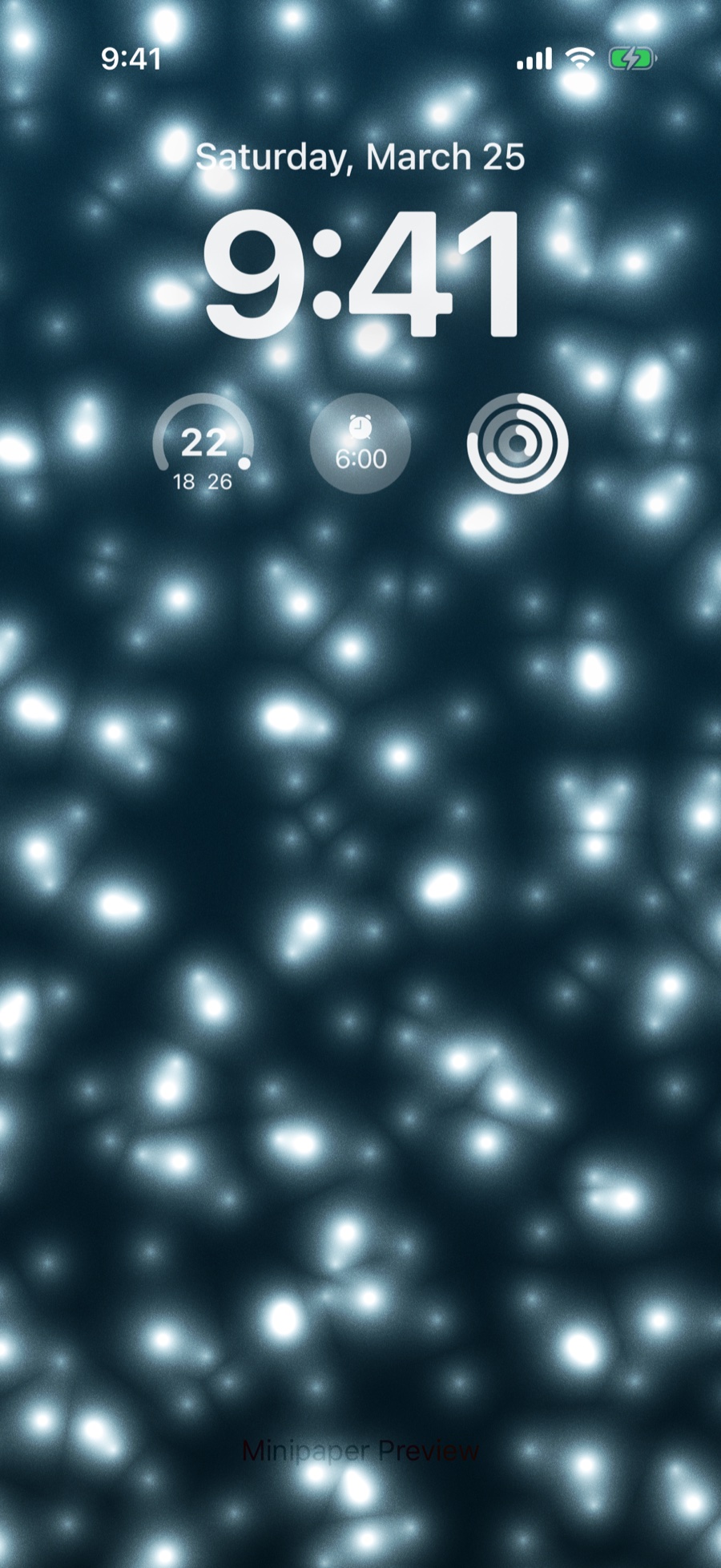
Glints of light scattered across dark water. Exports as a Live Photo.
Objects
iPod
An iPod with a click wheel and anodised case, worn from pristine to pocket-scratched. The clock lands on its screen.
Vinyl
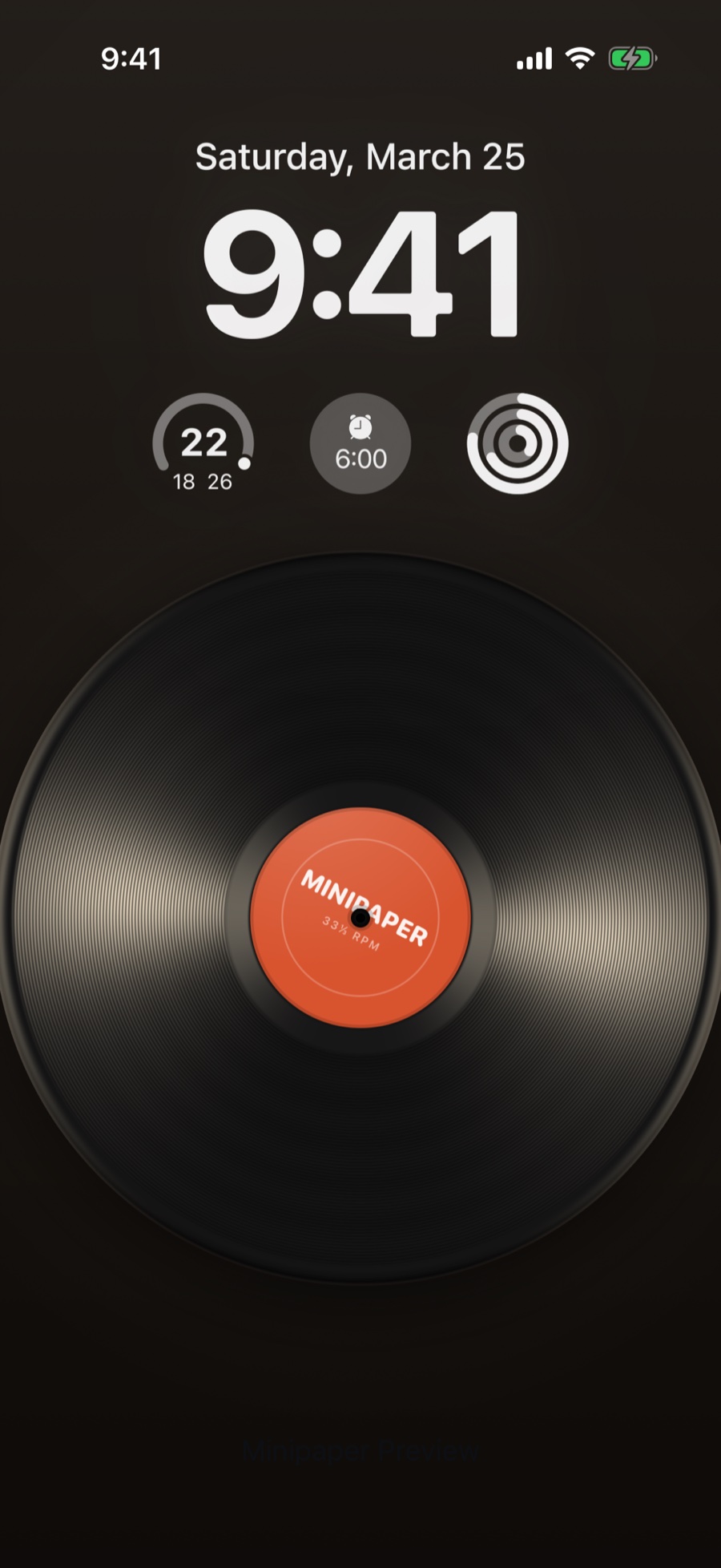
A vinyl record with your own label art. Spins as a Live Photo.
Airplane Mode
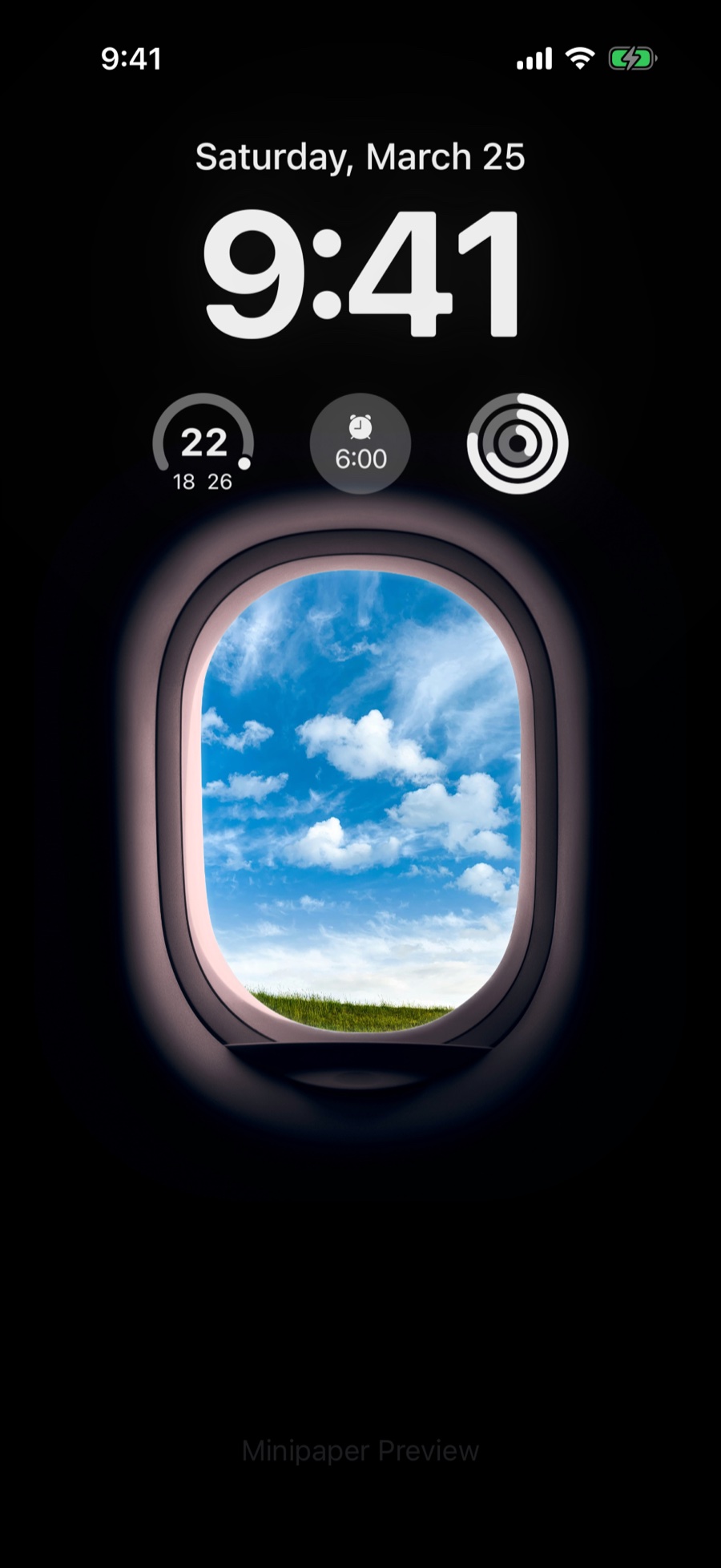
An airplane window with your photo, or the sky, outside it.
Monitor T1
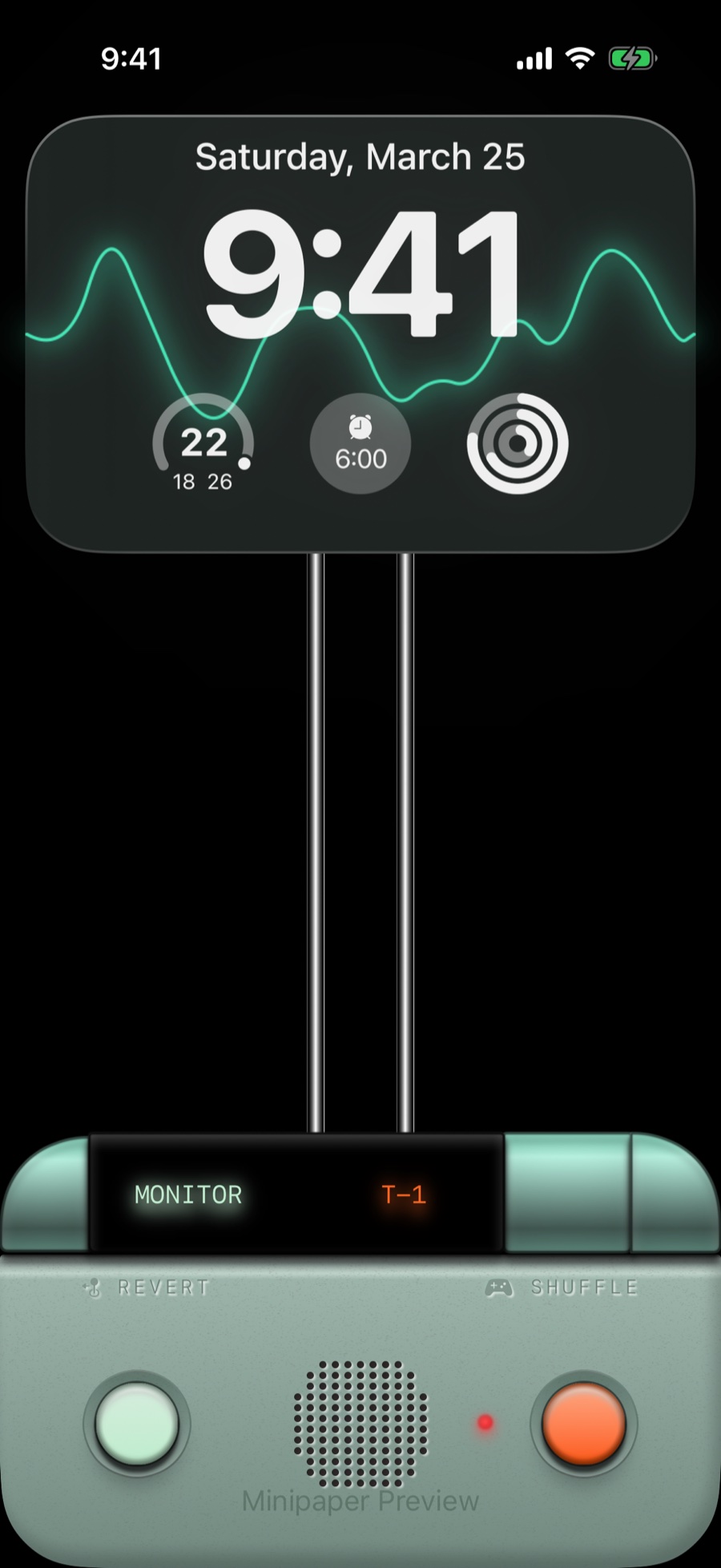
A CRT monitor on a stand, with a waveform tracing across its screen.
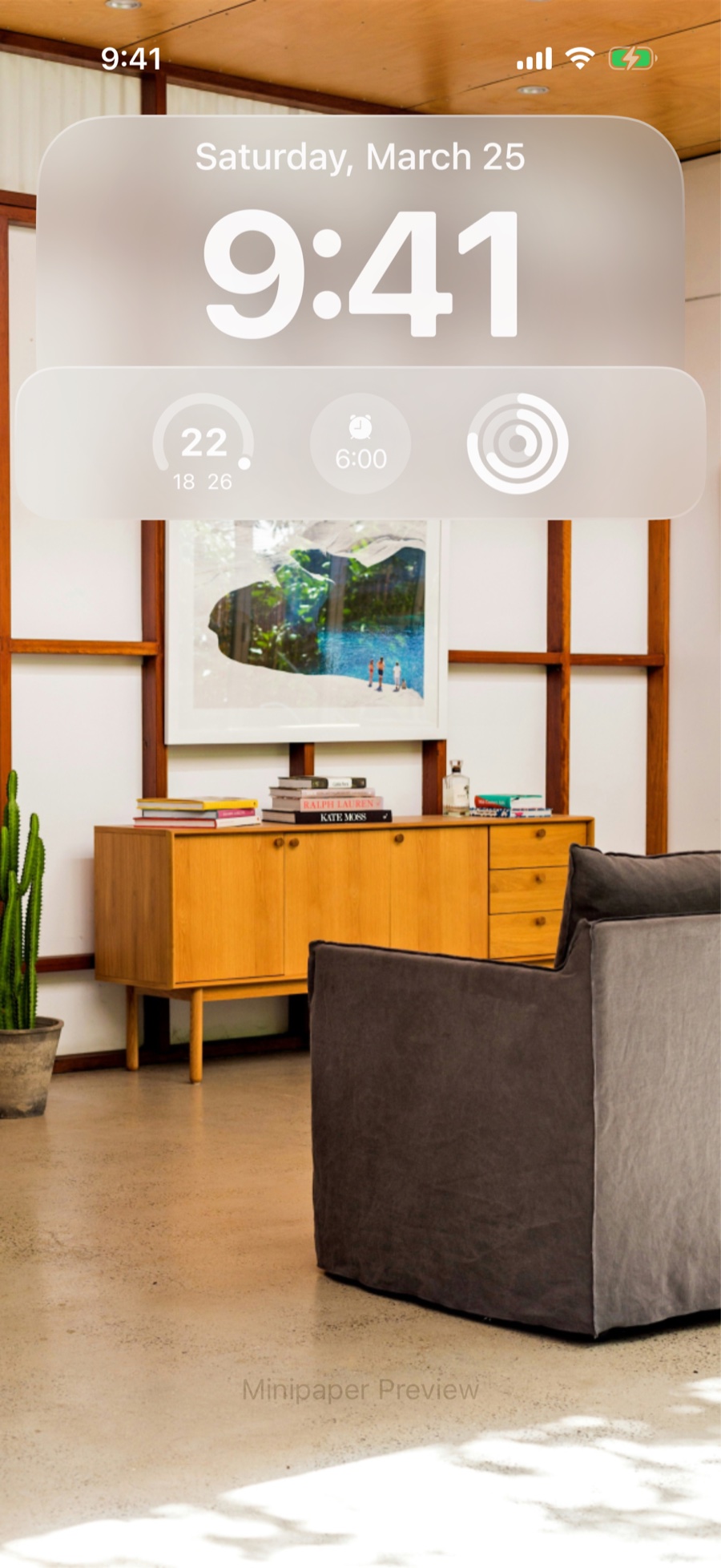
Vision OS
The visionOS pass-through look: a translucent panel floating over your photo.
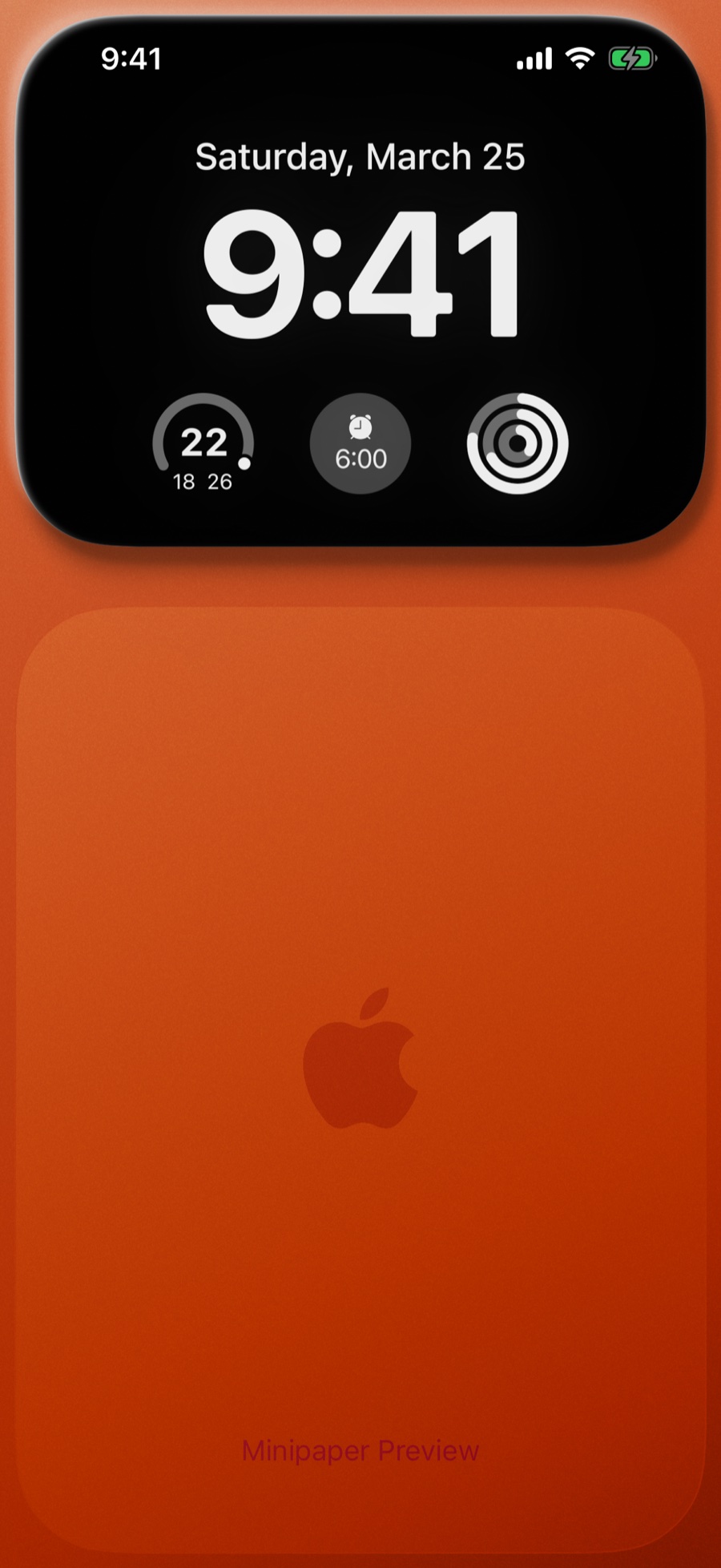
Plateau
A flat slab of colour with a subtle Apple mark pressed into it.
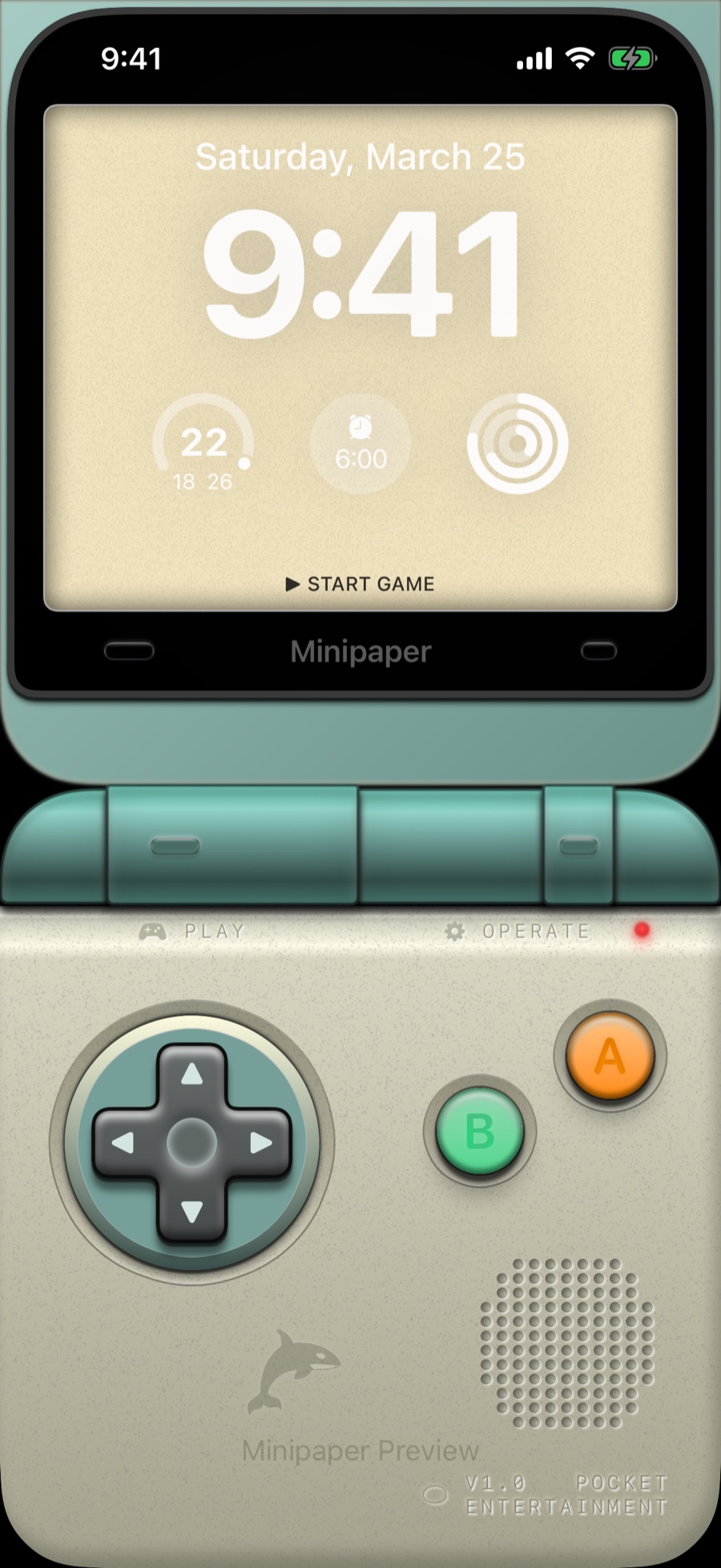
Pocket Entertainment
A handheld game console, with the Lock Screen clock on its screen.
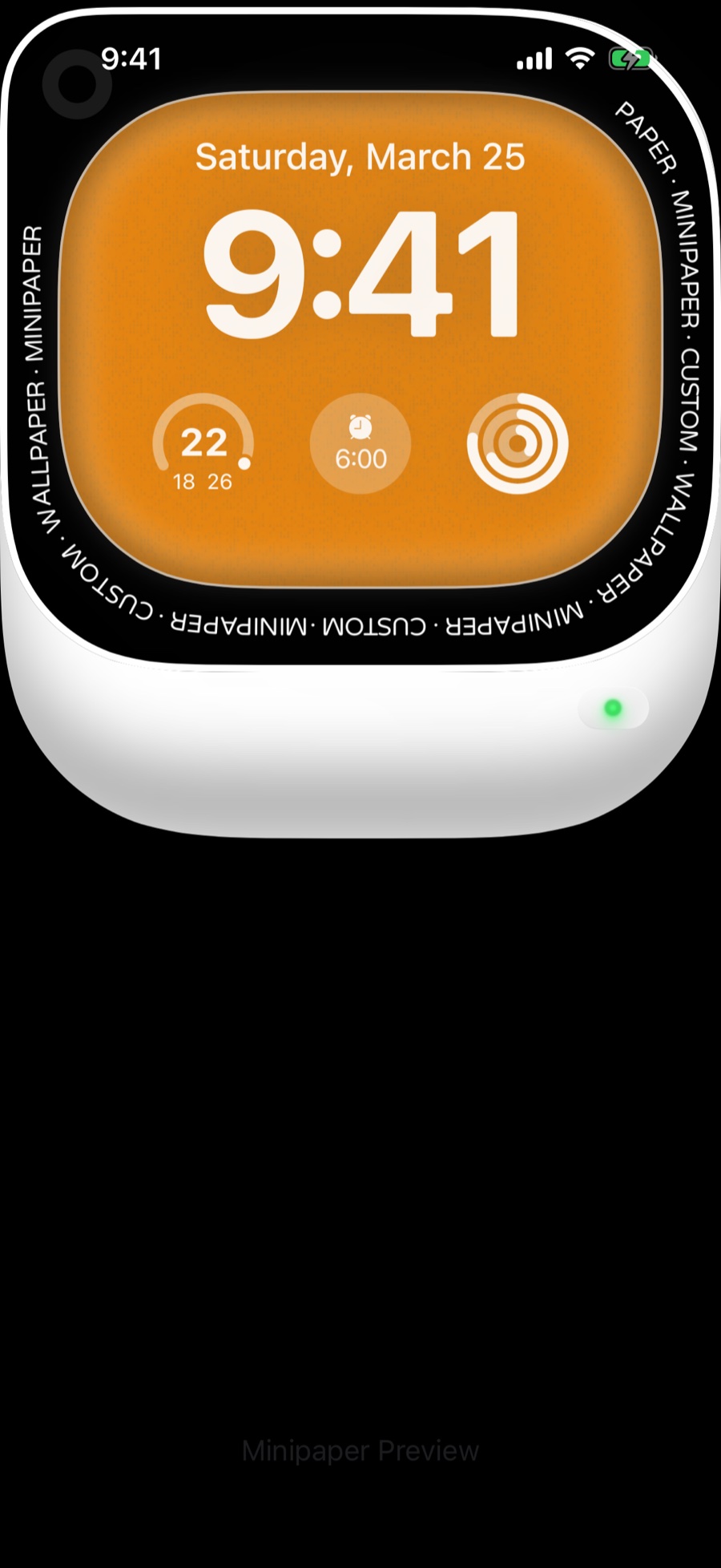
Ultra
A rugged watch-style bezel wrapped around the clock, in bright case colours.
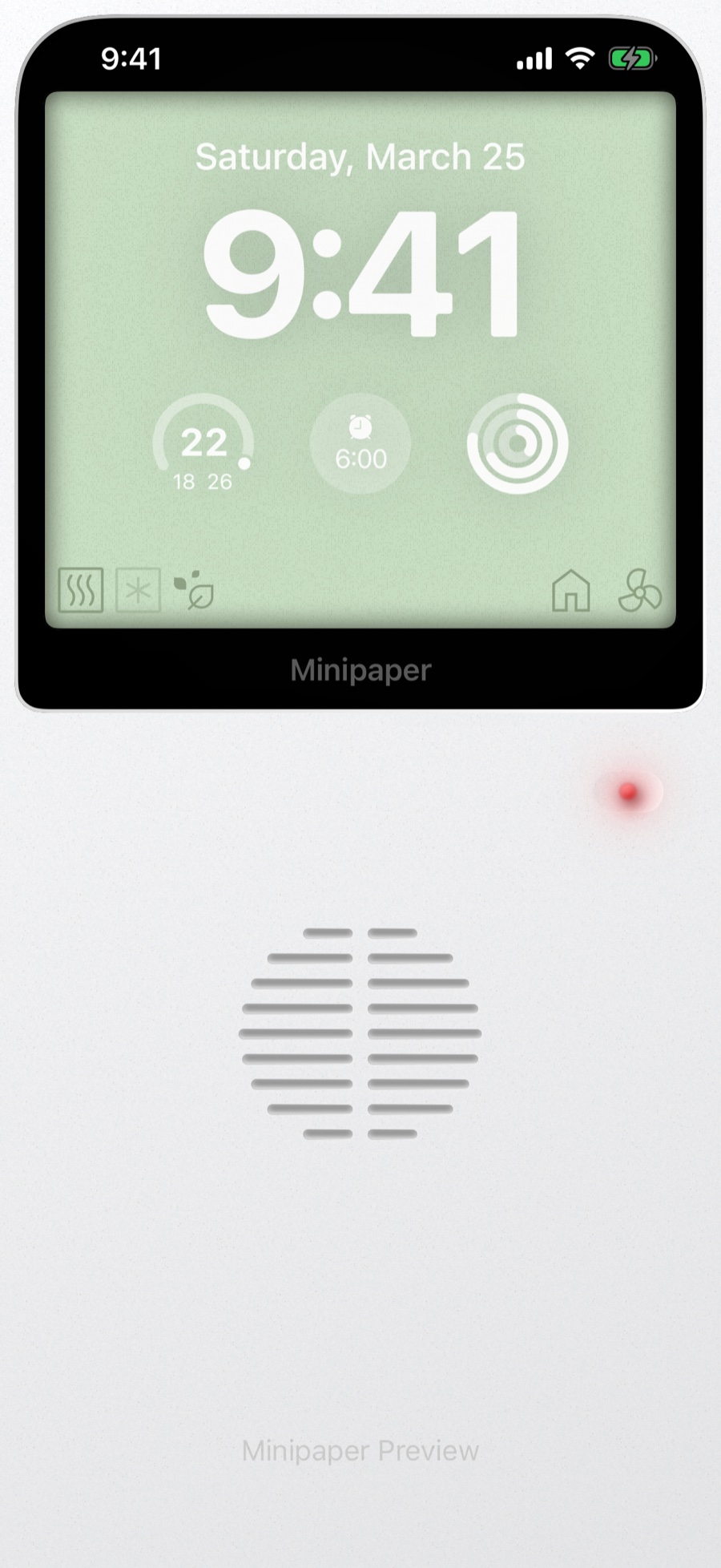
AC Remote
An air-conditioner remote, its LCD showing the time.
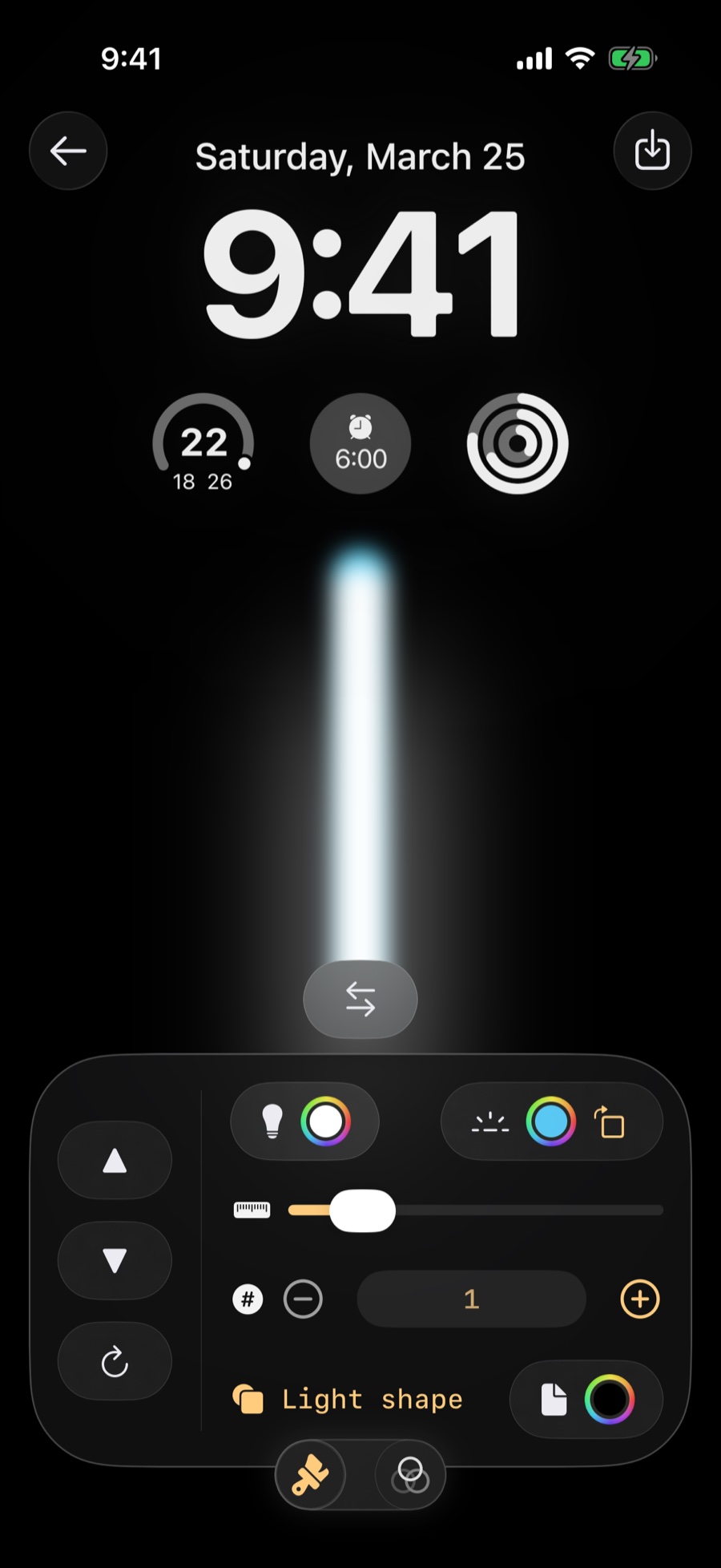
Lights
A single beam of iridescent light on black.
Utility
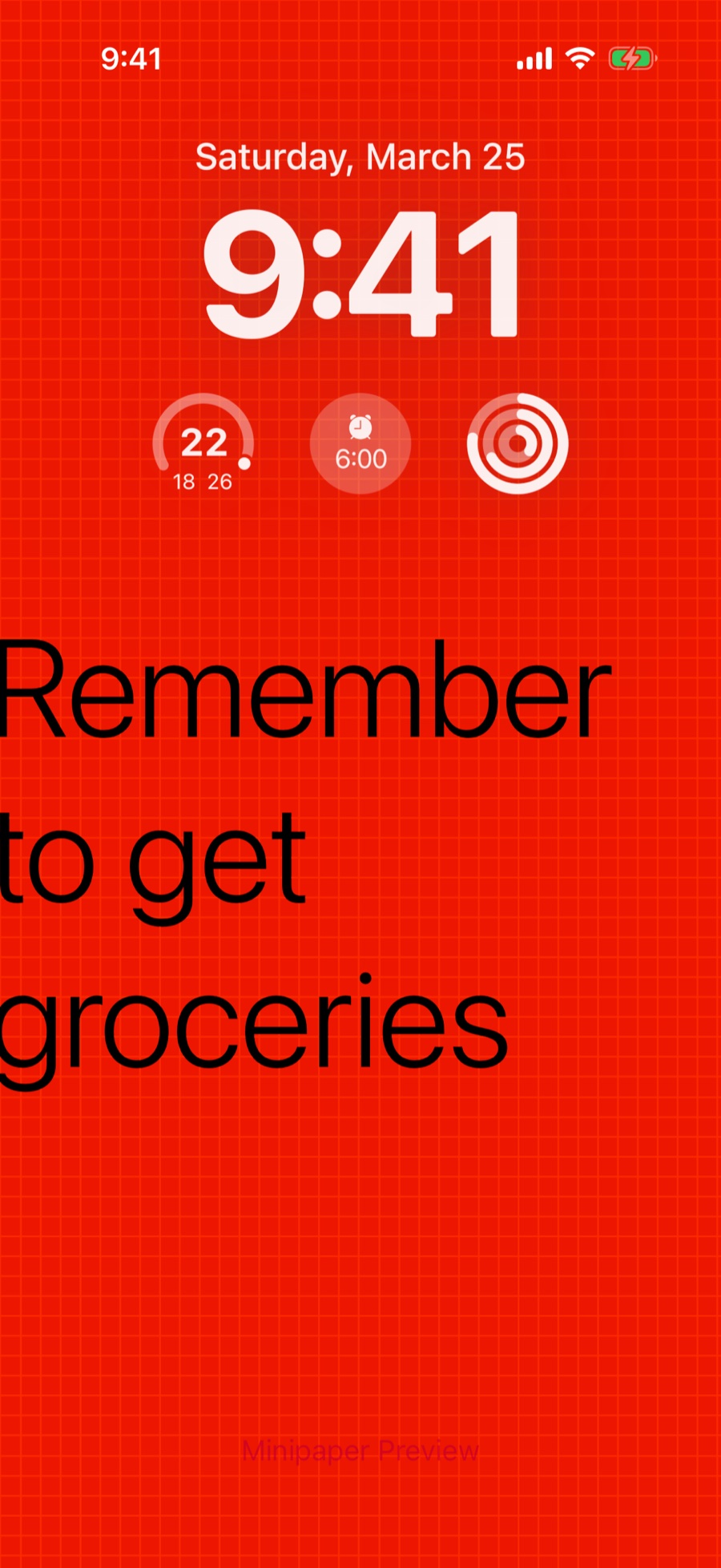
Text
Big type that says whatever you want, over a flat colour or your own photo.
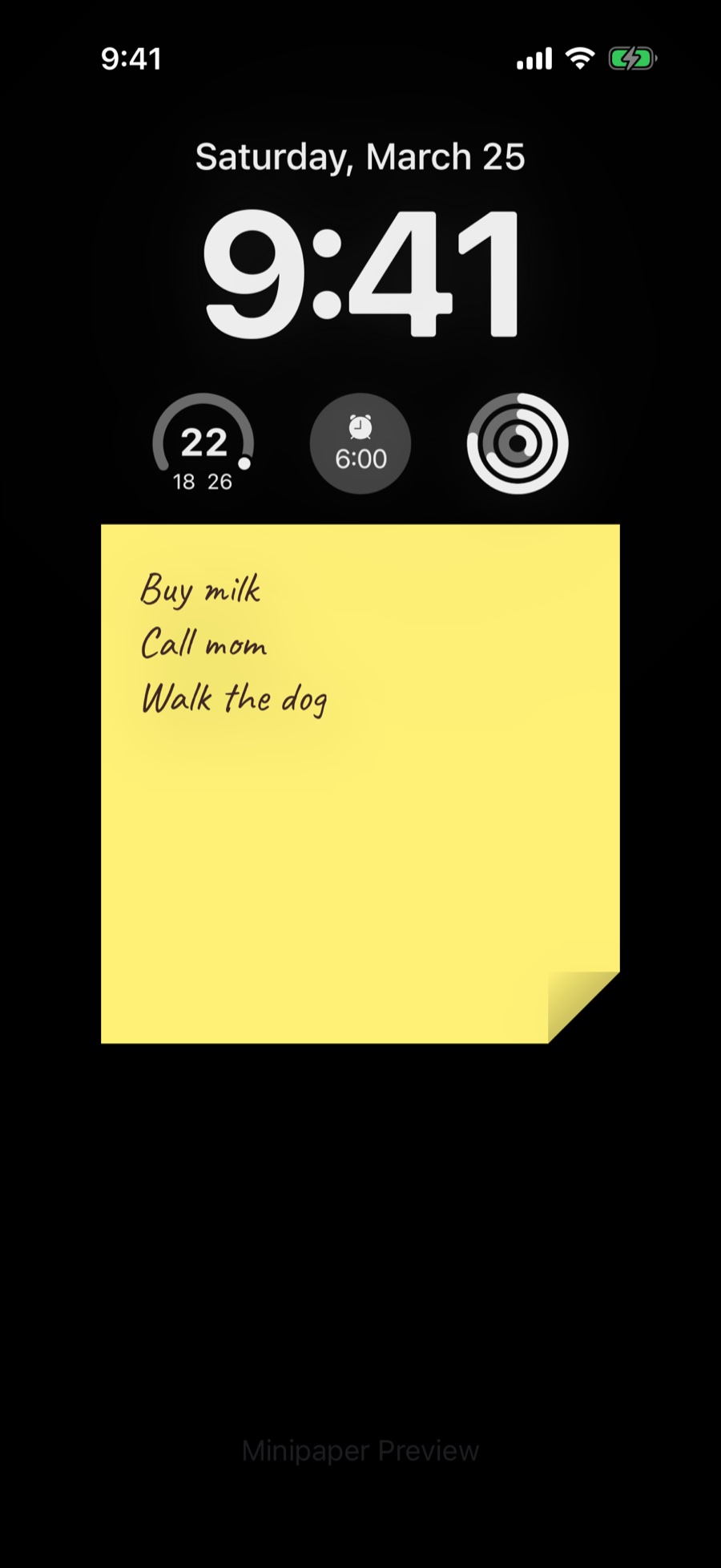
Notes
A sticky note with your list on it, so the reminder is the wallpaper.
Calendar
A month grid or a week of columns laid over a photo or a flat colour, in five overlay designs. Connect Apple Calendar and your real events fill it in.